

Catalog and actions
Learn how Invokeable discovers, reviews, and verifies the product actions available to agents.
The Catalog is the action inventory for your product. It tells Invokeable what an agent can do, what each action can change, and how to determine whether the action worked.
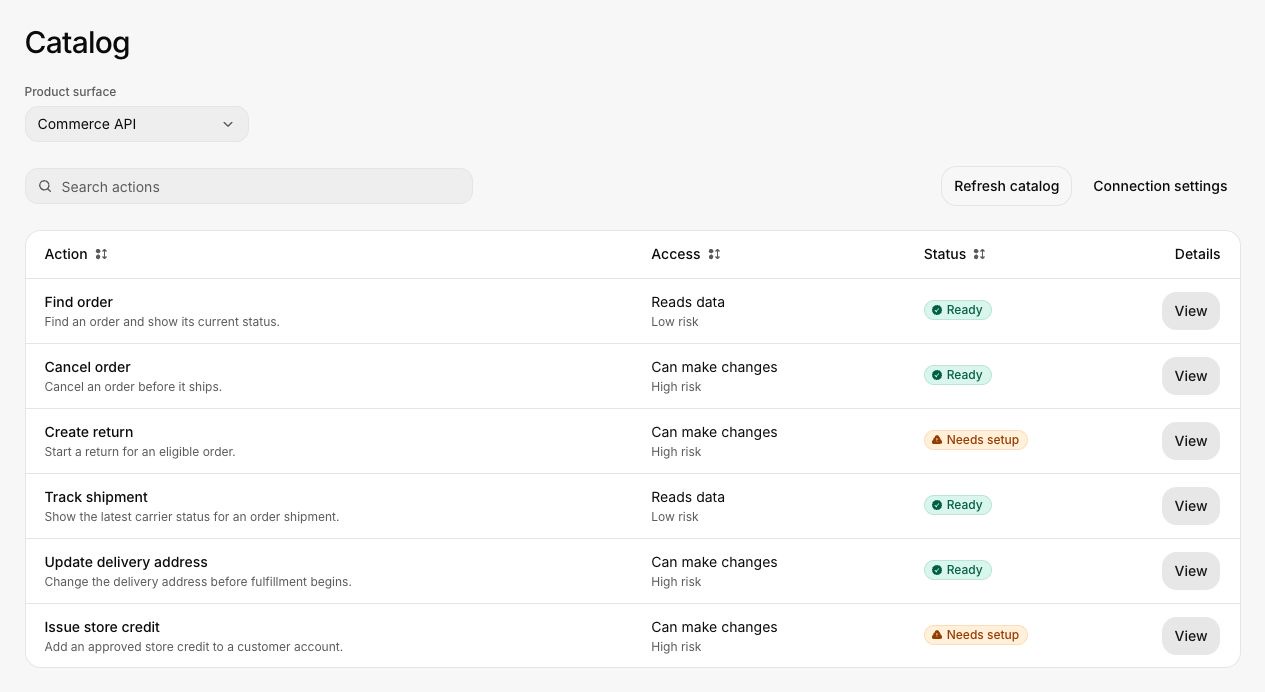
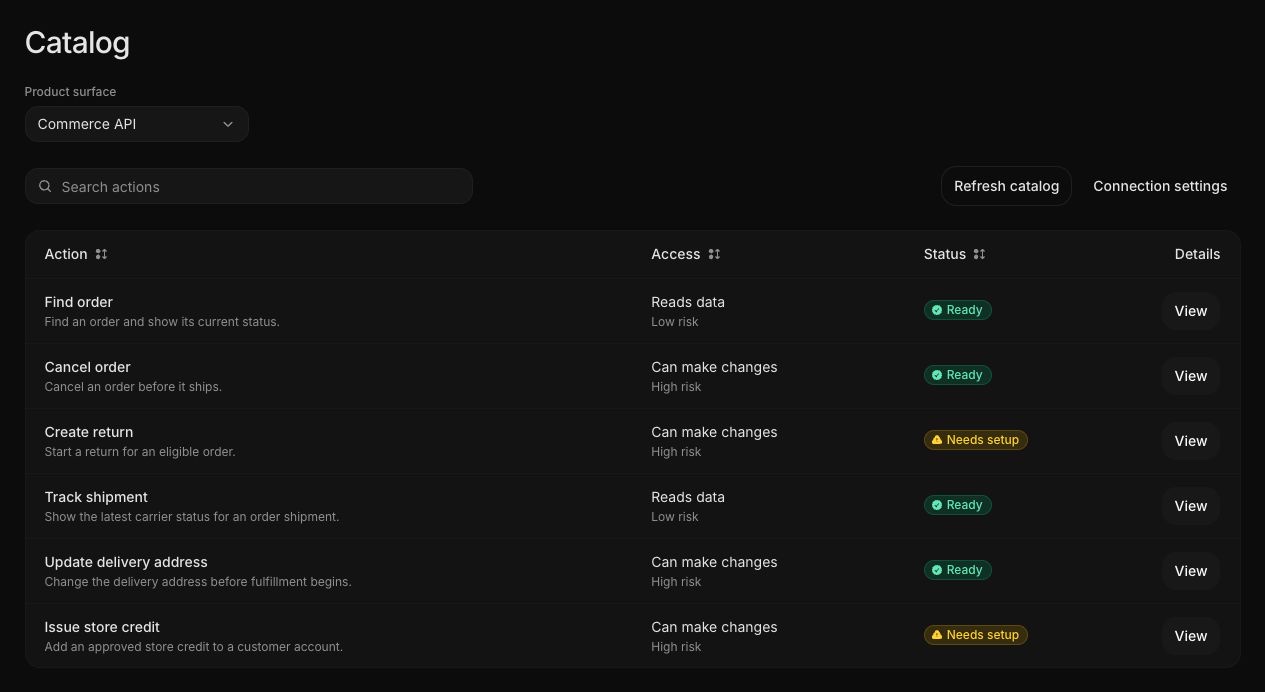
Product surfaces
A product surface groups actions that belong to one customer-facing area or API. A workspace may contain several surfaces, such as:
- Commerce API
- Support API
- Account settings
- Scheduling
Keep surfaces narrow enough that their ownership, permissions, and risk are understandable. A large integration can still expose several surfaces through one endpoint.
What an action records
An action definition can include:
| Field | Why it matters |
|---|---|
| Purpose and description | Explains when the action should be used |
| Inputs and outputs | Defines valid requests and observable responses |
| Access requirements | Lists authentication and required permissions |
| Risk and behavior | Distinguishes read-only work from state-changing work |
| Confirmation | States when the customer must approve an action |
| Idempotency and retry behavior | Explains whether a retry can create a duplicate effect |
| Reversibility | Describes whether and how a change can be undone |
| Verification | Defines the independent check for the resulting product state |
| Restrictions | Records conditions that must block or limit the action |
Action readiness
- Ready means the action has enough approved information for safe assessment use.
- Needs setup means an important requirement is missing, incomplete, or awaiting review.
- Archived means the action remains in history but is not used for new assessments.
A surface can contain both ready and incomplete actions. Journeys that depend on an incomplete action cannot become fully runnable.
Discovery and review
Invokeable can import actions from MCP tools or an OpenAPI document. Discovery does not make every action ready automatically. Review state-changing actions carefully, especially their confirmation, retry, recovery, and verification behavior.
When an endpoint changes, refresh the Catalog and inspect the change before running affected journeys. Historical runs remain linked to the action version they used.
See Connect your product and Review the Catalog.