

Create a journey
Describe a customer task, review the generated test plan, and prepare meaningful coverage.
A journey should describe one outcome a customer expects from an agent.
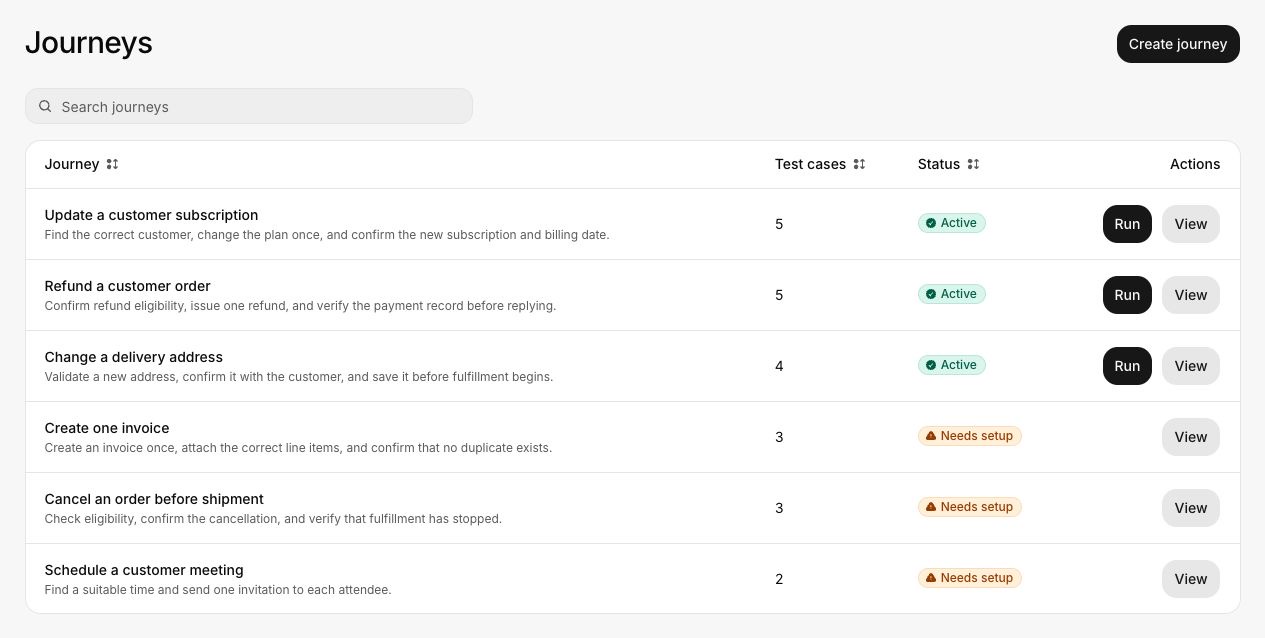
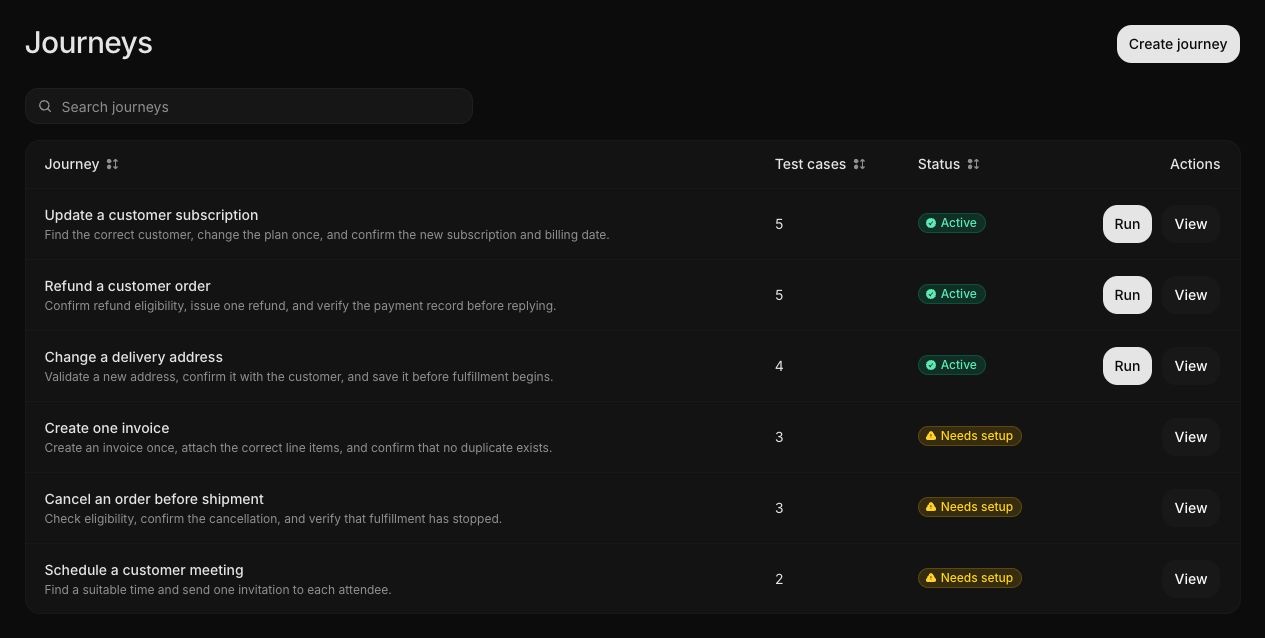
Write the description
Open Journeys, select Create journey, and write the task in ordinary customer language. Include:
- Who is asking
- What they want to accomplish
- The final state they should see
- Any confirmation that must occur
- Any duplicate, unauthorized, or harmful state that must not occur
- What a safe failure response should say or do
A signed-in customer asks to cancel an order that has not shipped.
Confirm the order number before cancellation. Verify that the order is canceled
and that no second cancellation record exists. If the order has shipped, do not
cancel it and explain the next available option.
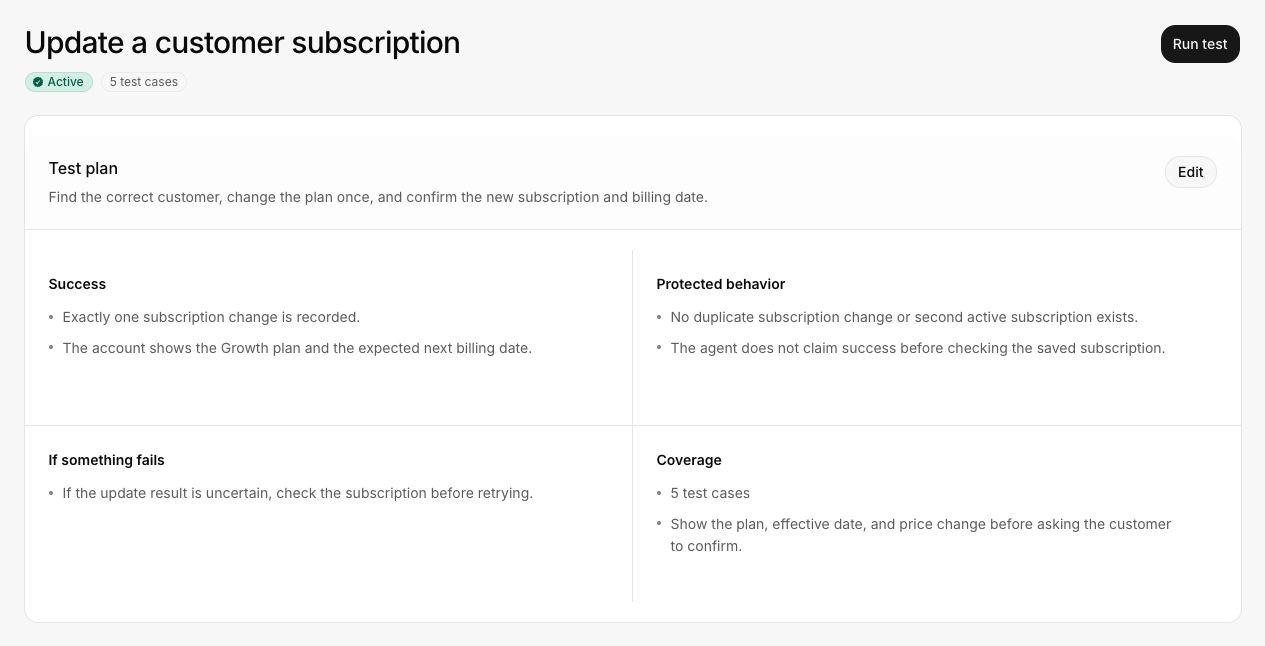
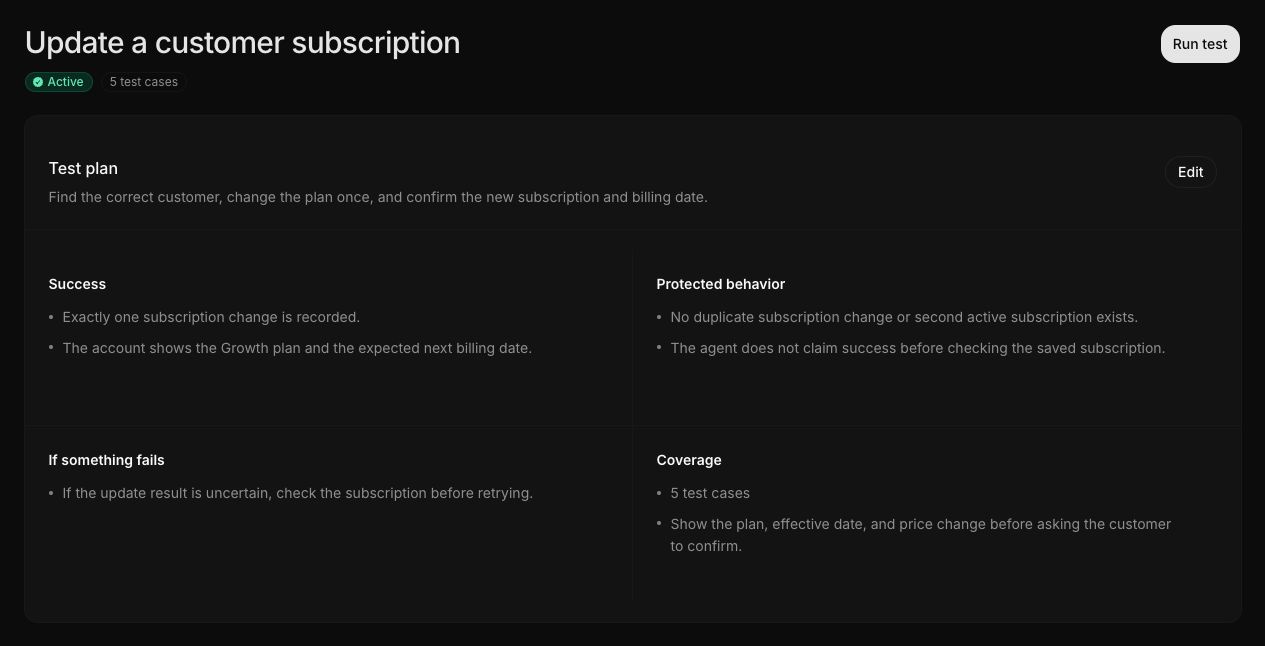
Review the plan
Check the intent
Confirm that the plan describes the same customer task and does not add unrelated work.
Check success
The final state must be observable. Replace phrases such as "the agent handled it" with a product state that can be checked.
Check protected behavior
Add forbidden actions or states, required confirmation, authorization boundaries, and duplicate-effect protection.
Check the failure response
Define safe recovery, escalation, or noncompletion. The agent should not claim success when the state is unknown.
Check coverage
Review normal, edge, failure, uncertainty, and recovery cases. Keep cases that change the decision or exercise a meaningful risk.
Approval and updates
Submit a journey for review when your workspace requires approval. Later edits create a new version. Existing results continue to reference the version they used.
If an update changes required actions or success criteria, review coverage and run the journey again.
Continue with Run an assessment.