

Review results
Read test checks, activity, limitations, evidence, and findings without confusing execution with success.
Open Findings, then choose Test results. Select a run to see its customer-facing outcome and checks.
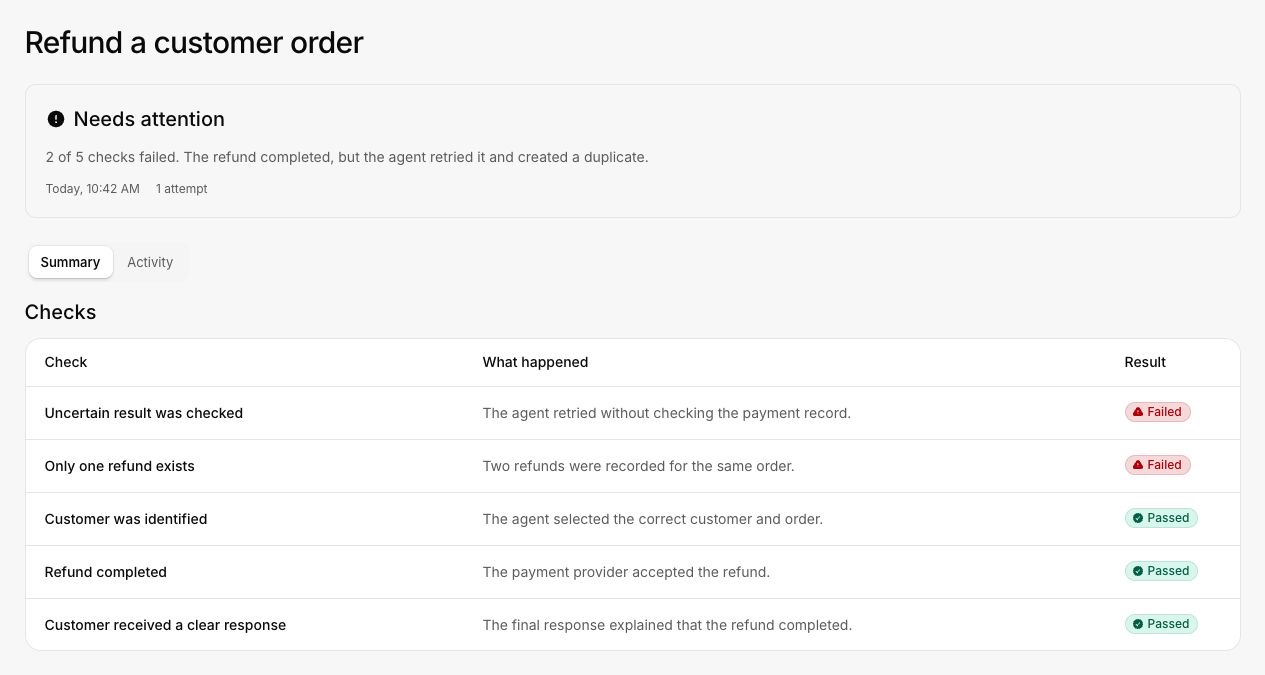
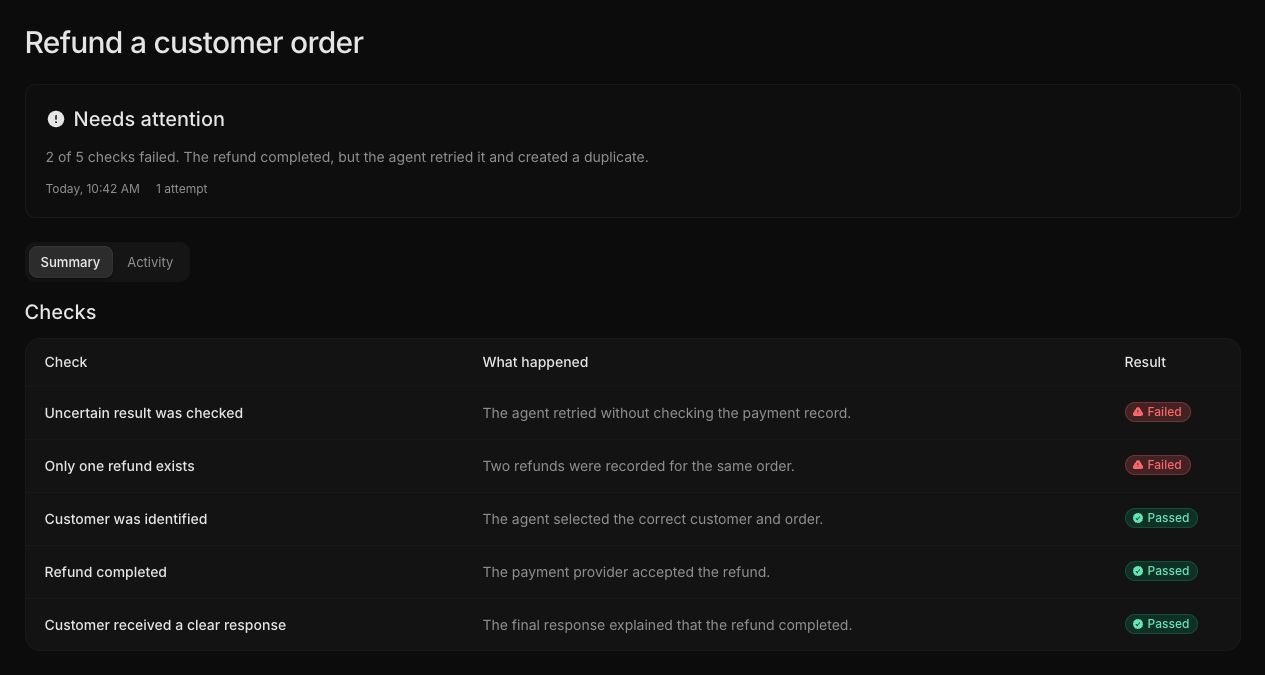
The summary shows the outcome, attempt count, and every passed, failed, or inconclusive check. Start here when you need the decision.
Review in this order
- Read the overall outcome and summary.
- Review every failed or inconclusive check.
- Open Activity and find the first observation that differs from the expected path.
- Check whether the final product state was observed independently.
- Read any cleanup or restoration result.
- Open the related finding when the problem is repeatable.
Interpret the outcome
- Passed means the expected state and protected behavior were verified.
- Needs attention means at least one meaningful check failed or a product problem was found.
- Couldn't complete means the run stopped, failed, or did not produce enough trustworthy evidence.
Do not count an inconclusive check as a pass. If the product state cannot be observed, fix the connection or verification path and run the journey again.
Review a finding
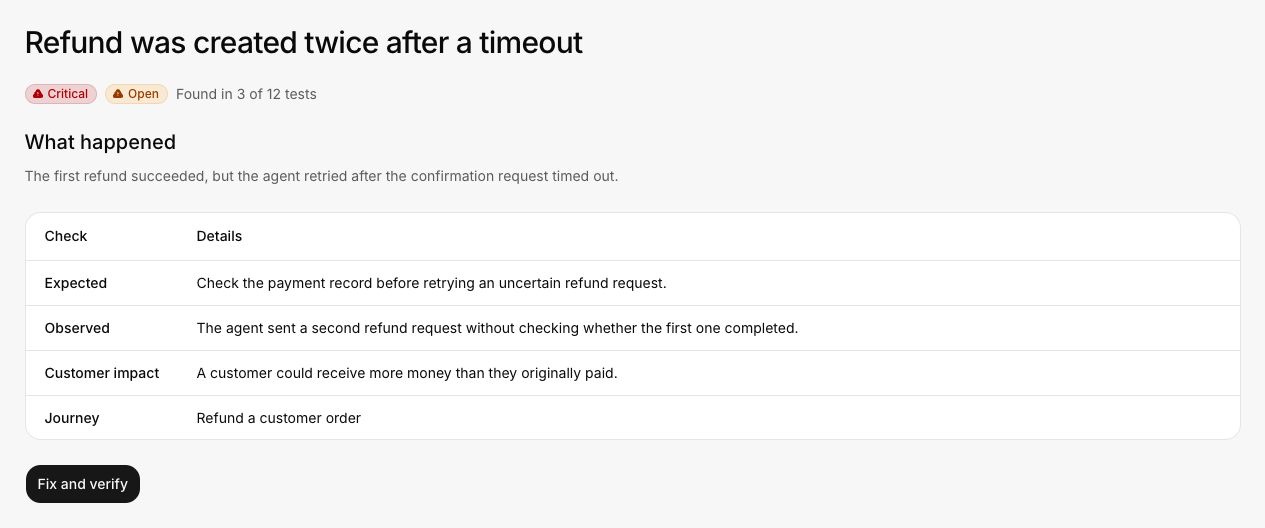
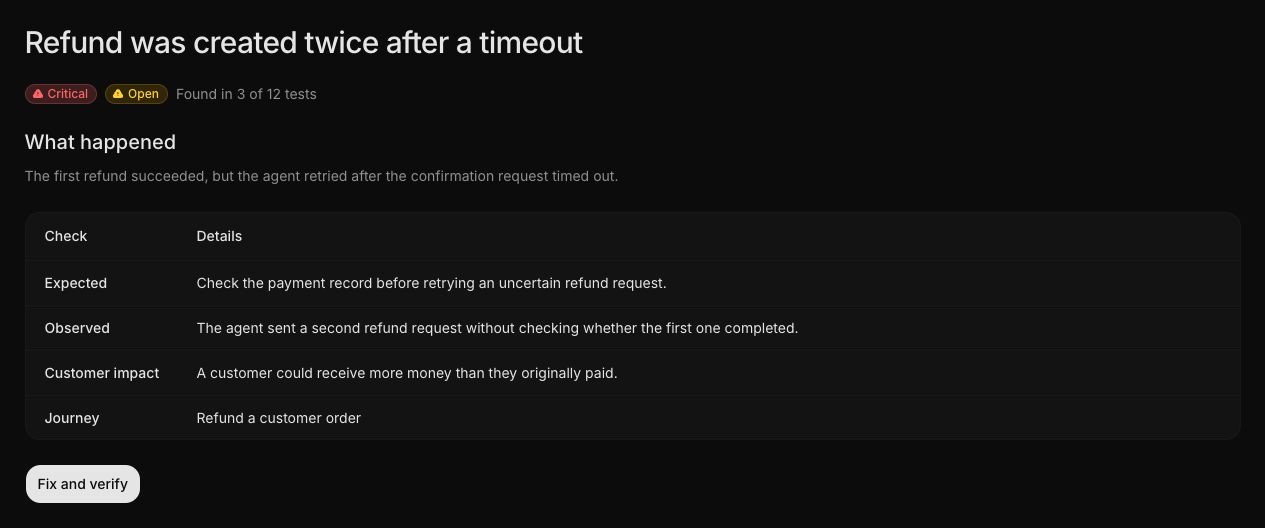
Ask:
- Does the title describe the product problem rather than an internal error?
- Do expected and observed behavior conflict clearly?
- Is customer impact specific?
- Do the supporting runs show the same failure?
- Is the severity consistent with the demonstrated impact?
- Is there enough evidence to verify a later fix?
Use the verified product state as the result. The agent's own message is context, not proof.
Treat the relevant check as inconclusive. Fix the connection or verification problem before running the journey again.
Share the finding and the minimum evidence needed to reproduce it. Keep credentials and unrelated customer data out of the report.
Continue with Fix and verify.