

Manage notifications
Review important decisions in the product and choose which updates also arrive by email.
Notifications surface reliability and safety decisions that need attention. The in-product inbox is the main place to review them.
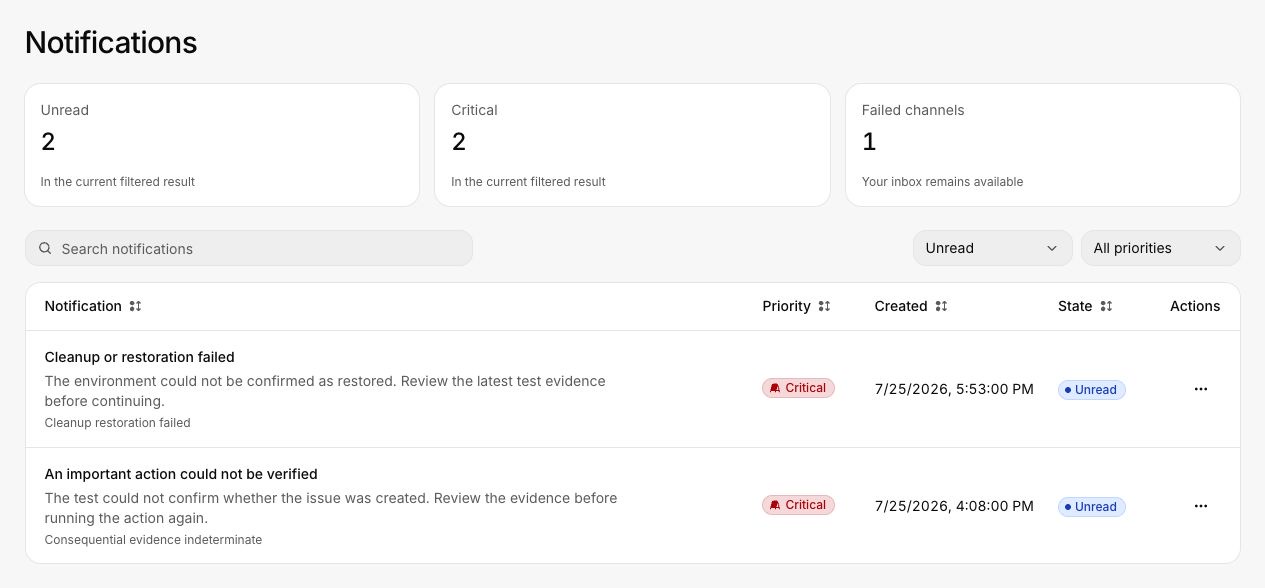
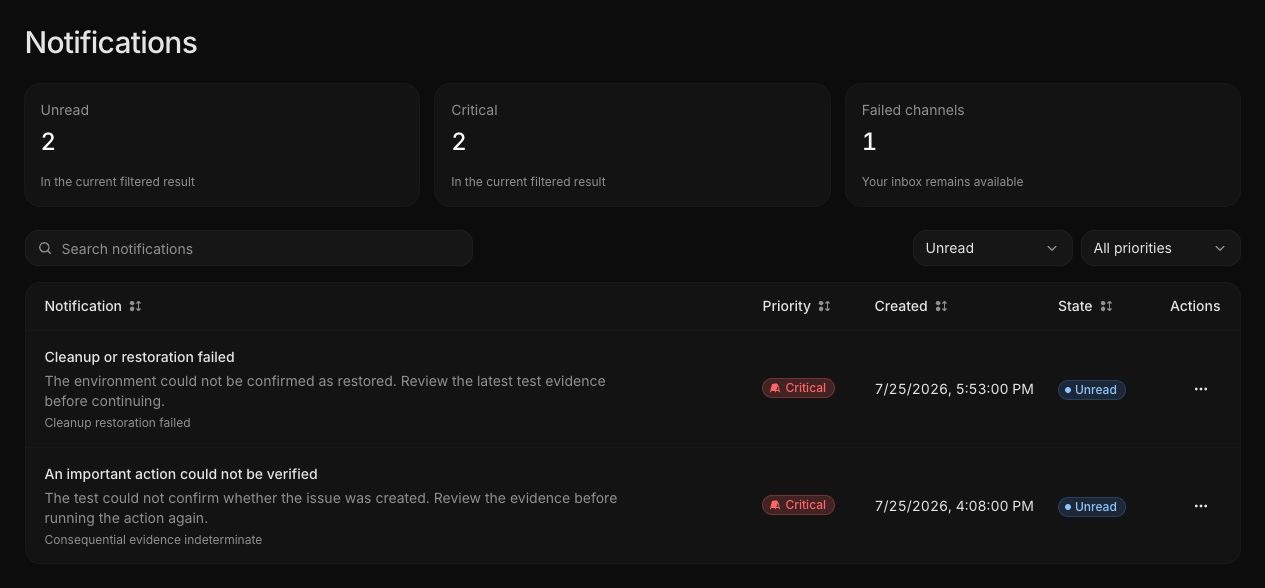
Review the inbox
Open the bell in the page header or go to Settings > Notifications. Use search and the state and priority filters to narrow the list.
Common notifications include:
- A high-severity finding was confirmed
- A critical journey degraded
- An important action could not be verified
- A resolved finding recurred
- Required journey coverage is incomplete
- A safety limit is under pressure
- Cleanup or restoration failed
Open a notification before marking it read. The linked finding, run, journey, or safety control contains the decision and evidence.
Email delivery
Open Settings > Notification settings to choose which updates are also sent by email. Required in-product notifications cannot be disabled. Email is an additional delivery channel, not the source of truth.
If an email delivery fails, the item remains available in the in-product inbox. Check the failed-channel summary and ask an administrator to review delivery health if failures continue.
Priority
| Priority | Typical use |
|---|---|
| Critical | Immediate safety, restoration, or severe verification problem |
| High | Confirmed severe finding, degraded critical journey, or missing consequential evidence |
| Medium | Important assessment or workspace update |
| Low | Informational preference or routine update |